Photo printing without all the faff

A few photos.One page. Done.

Photos on one sheet, no degree in printing required. Add, arrange, print. The printer may grumble. That is what printers do.

Soon on theApp Store

Drag a photo. You will not break anything.

No templates. No gymnastics.

Add photos, move them with your finger and print before your coffee gets cold. That is the plan, anyway.

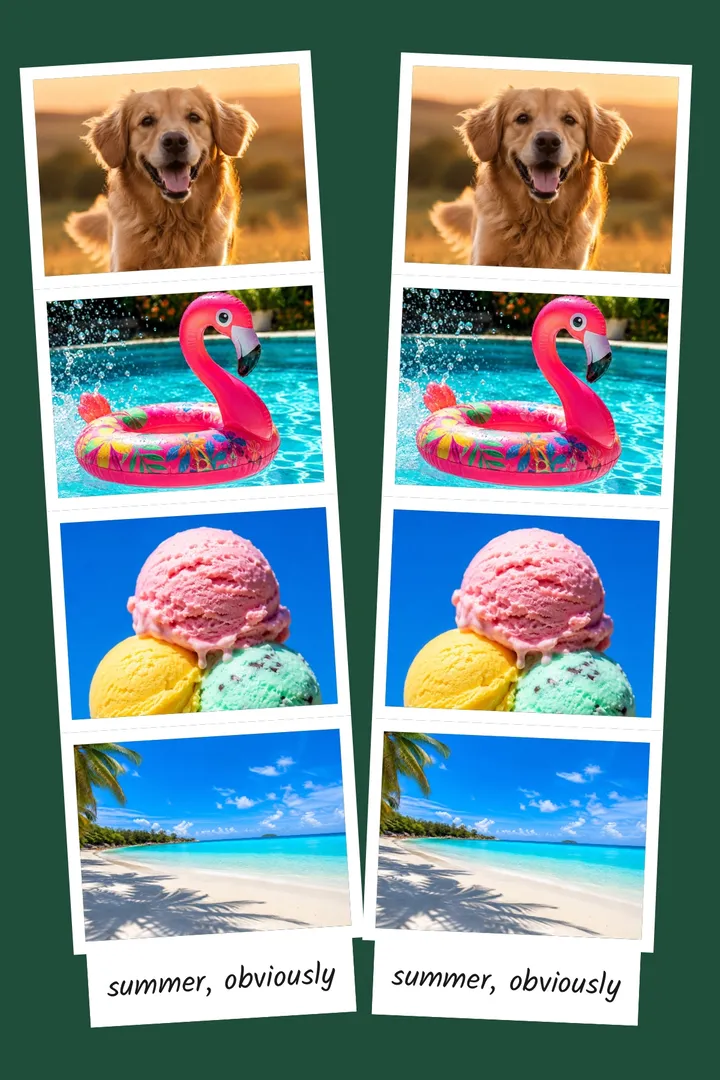
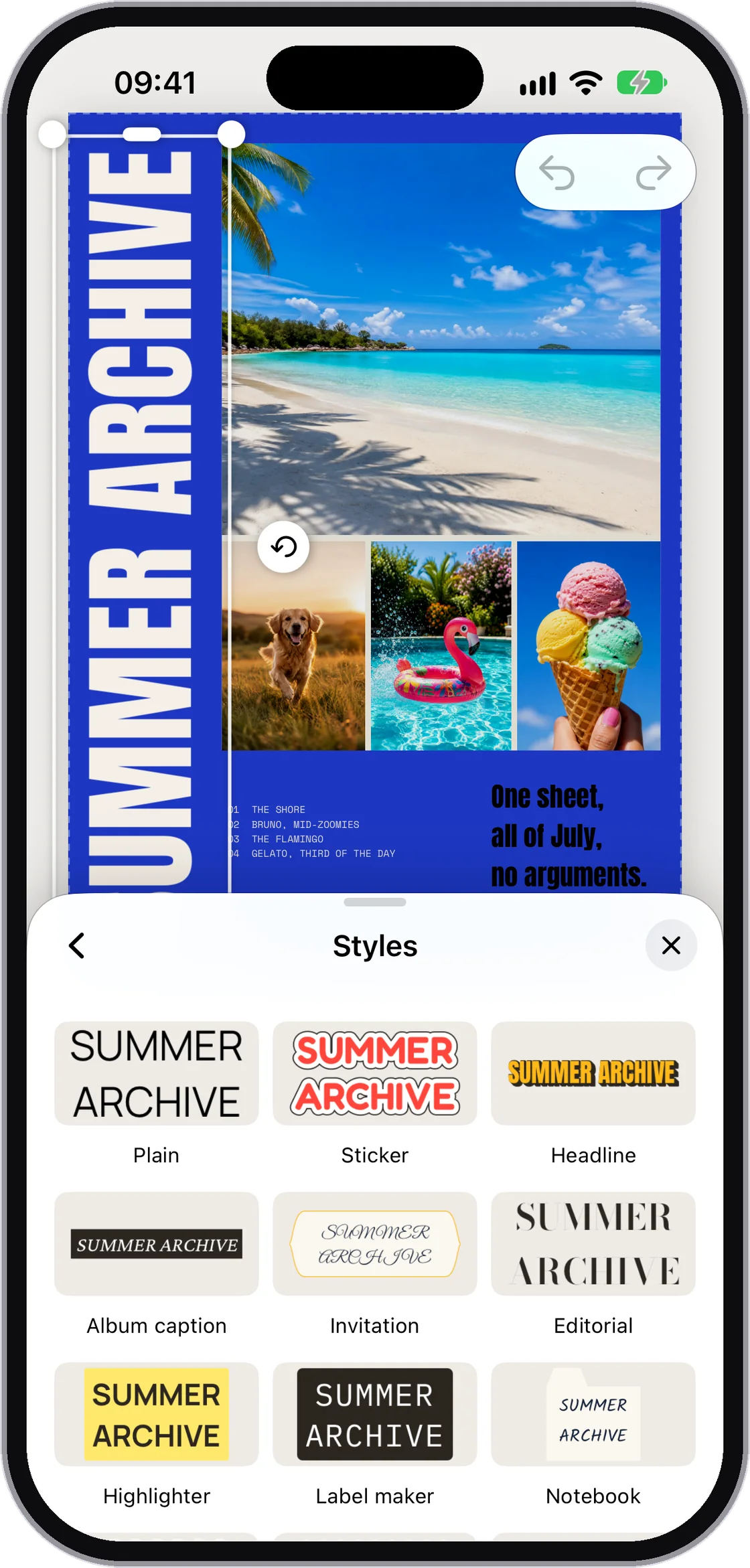
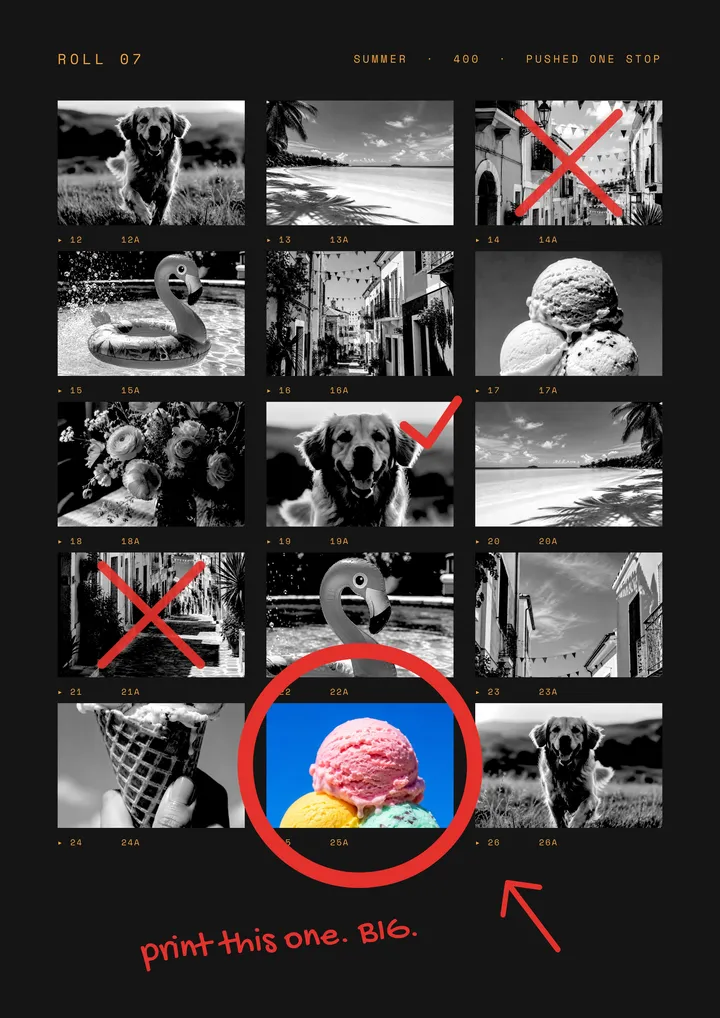
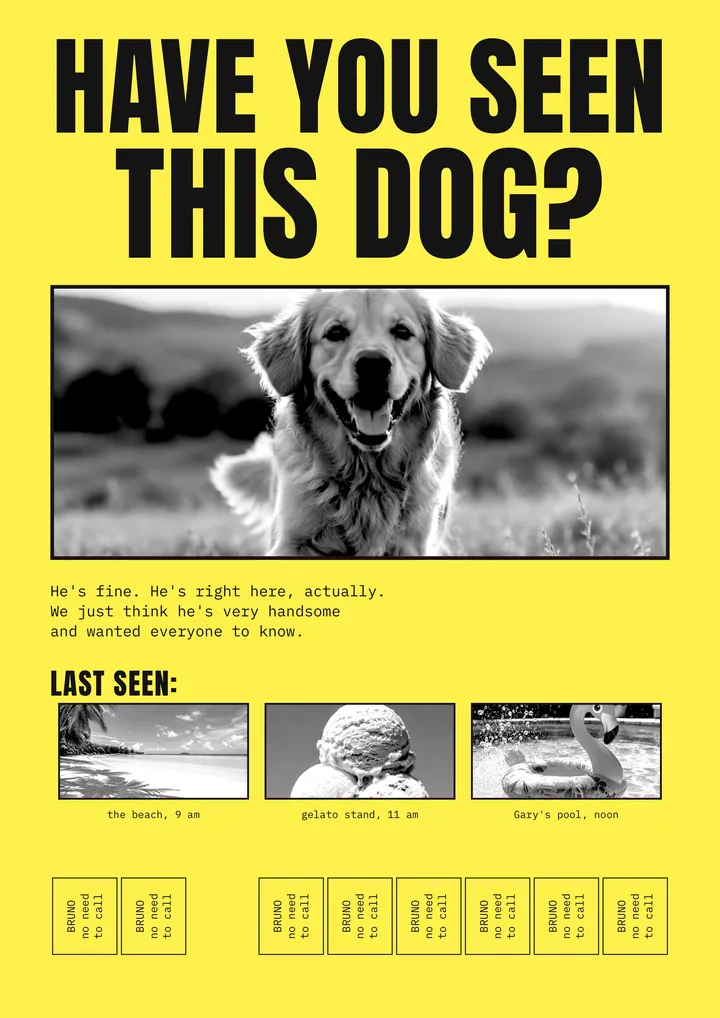
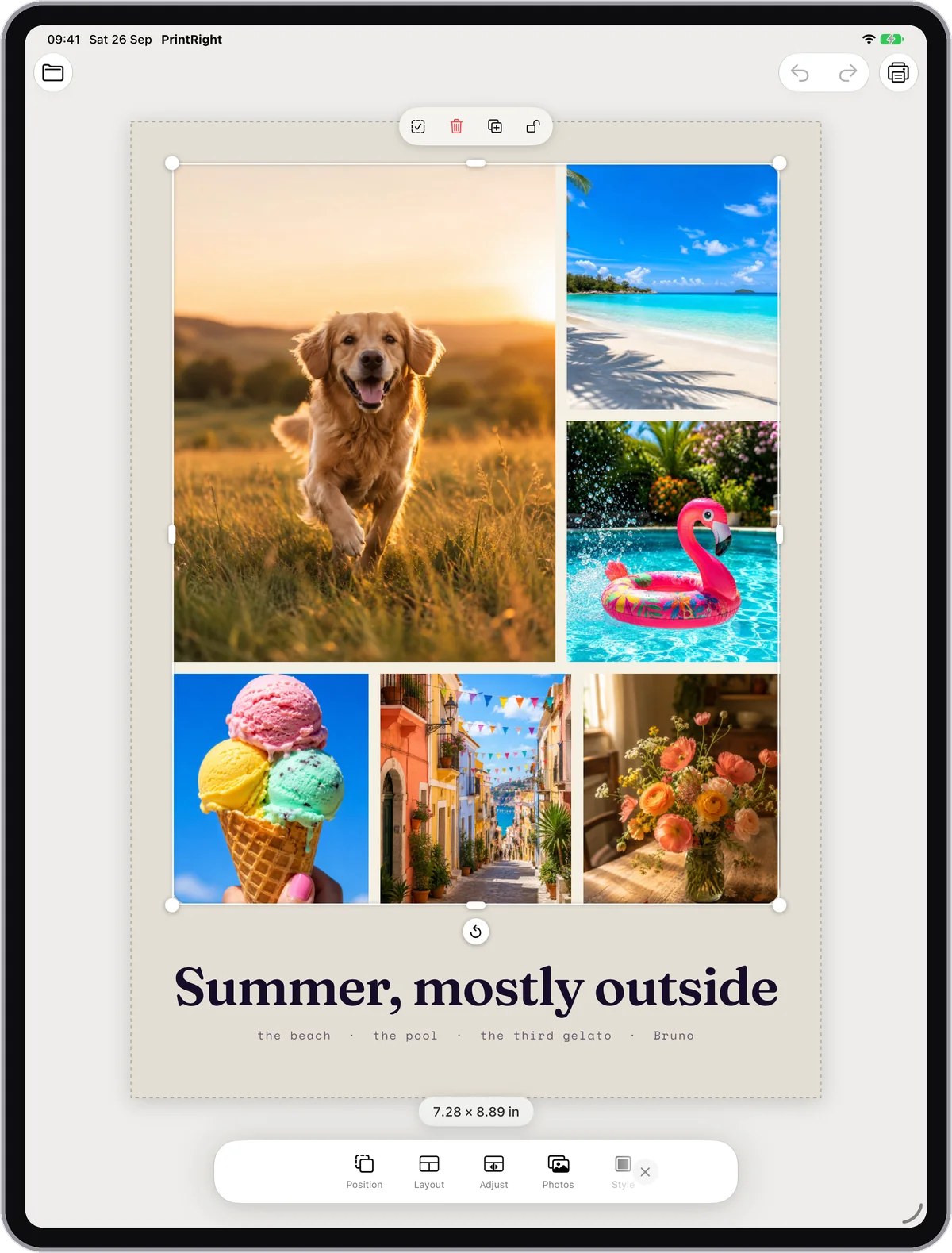
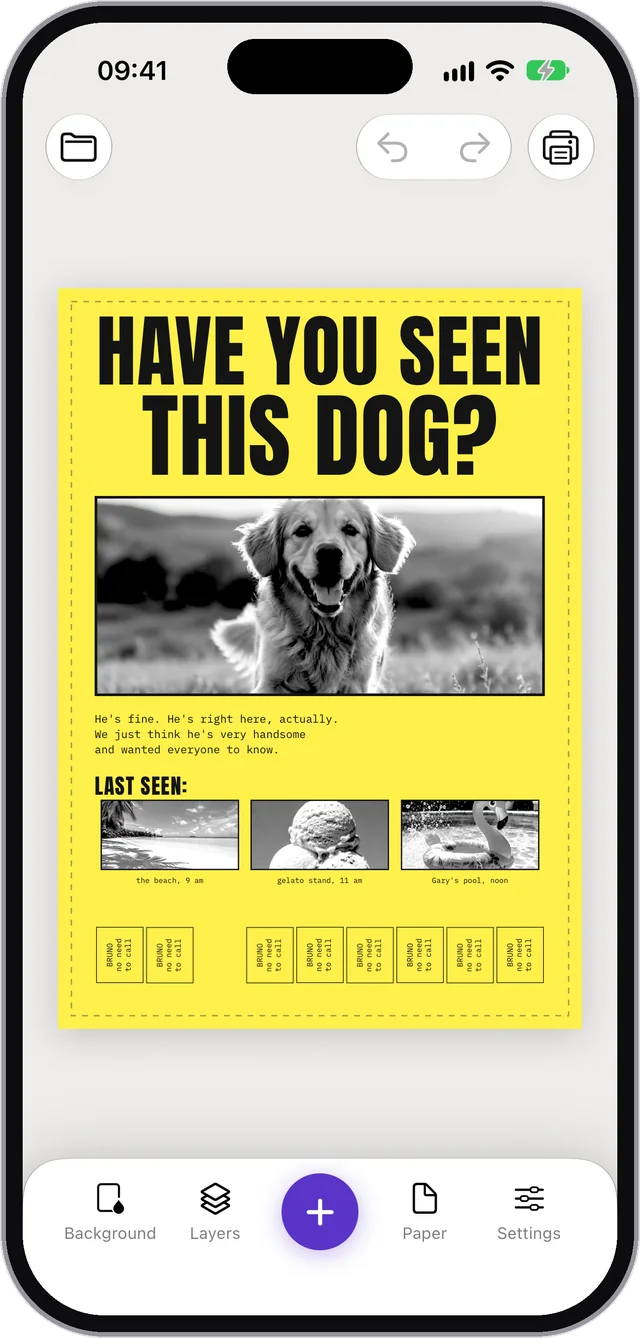
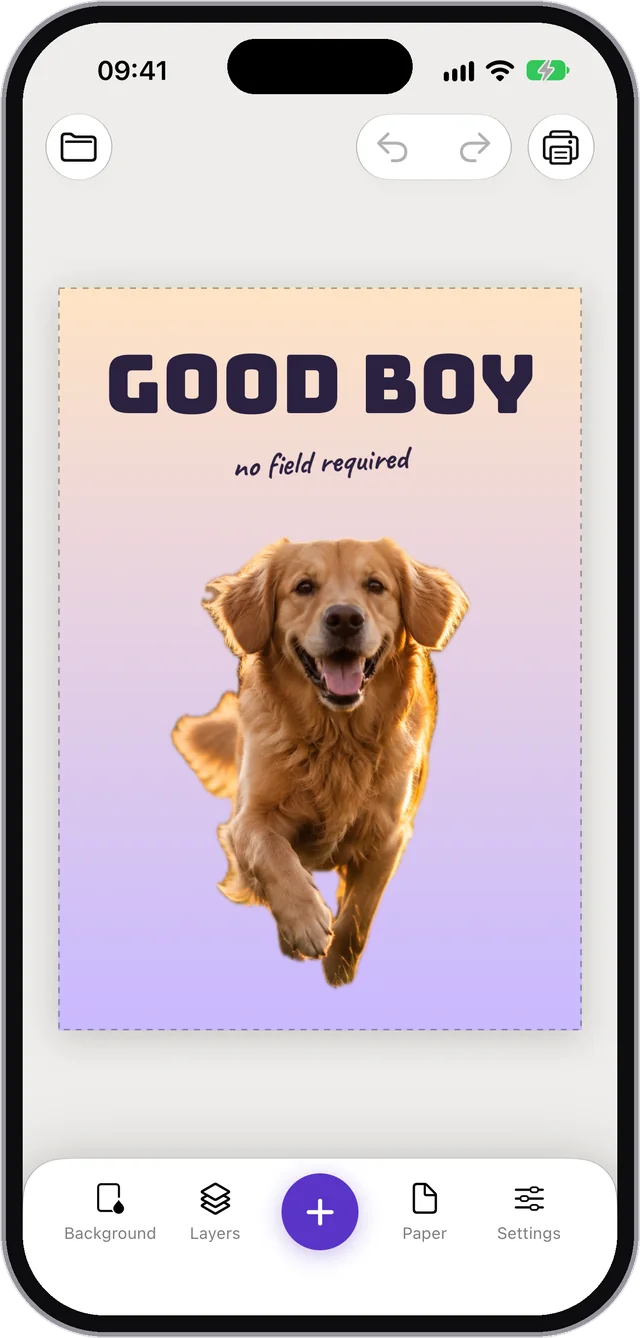
A page in PrintRight filled with several arranged photos

Throw in the photos. Arrange them your way.

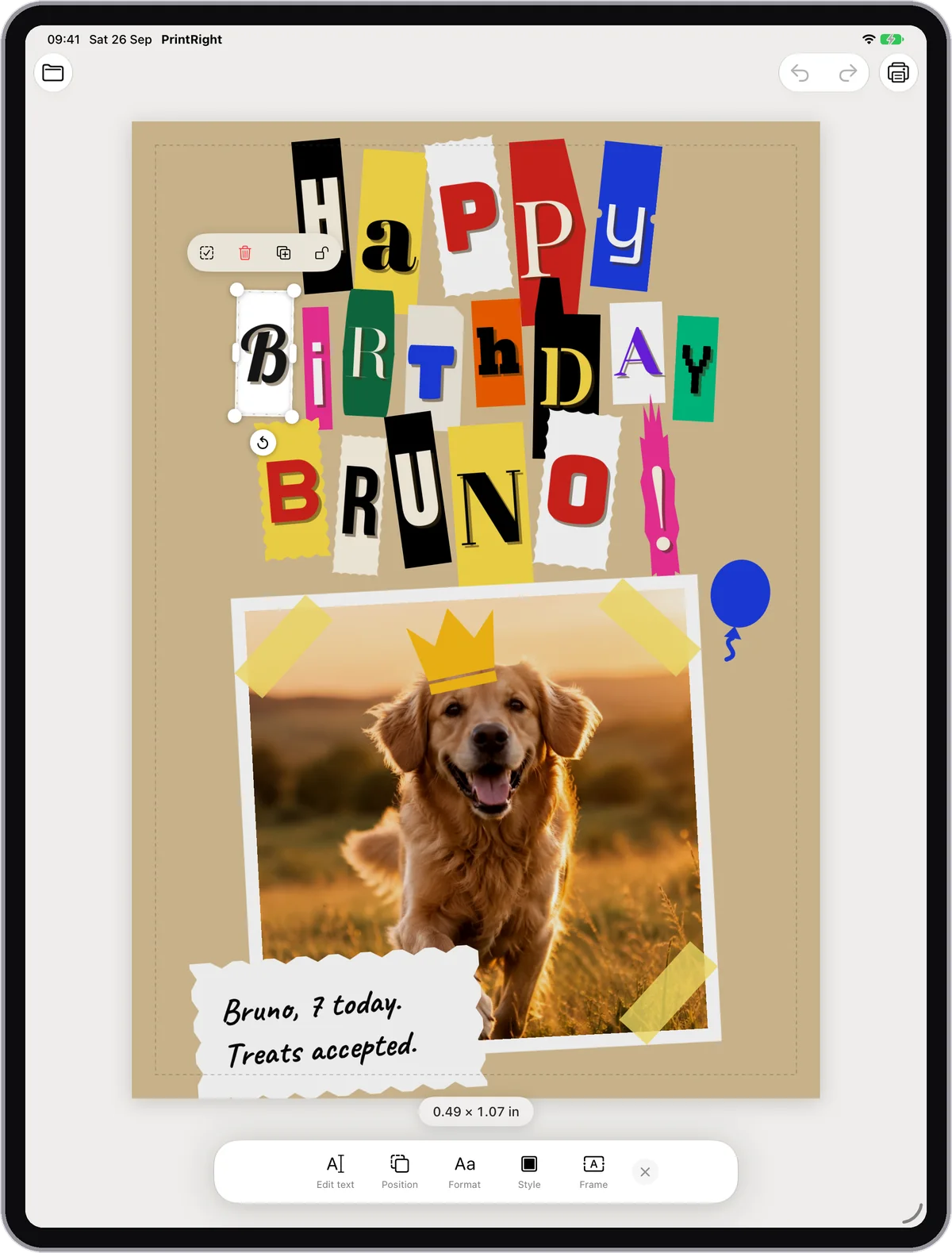
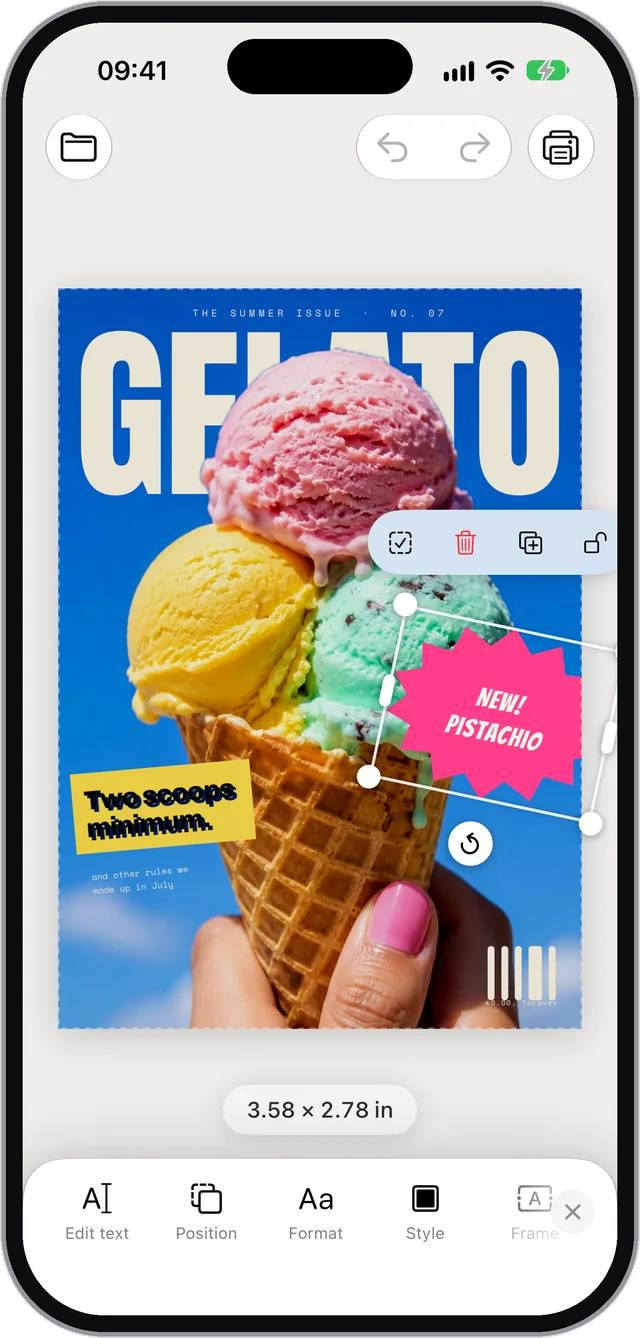
Add as many photos as you need. Move, rotate and overlap them. Neat rows? Lovely. Cheerful chaos? Also lovely.

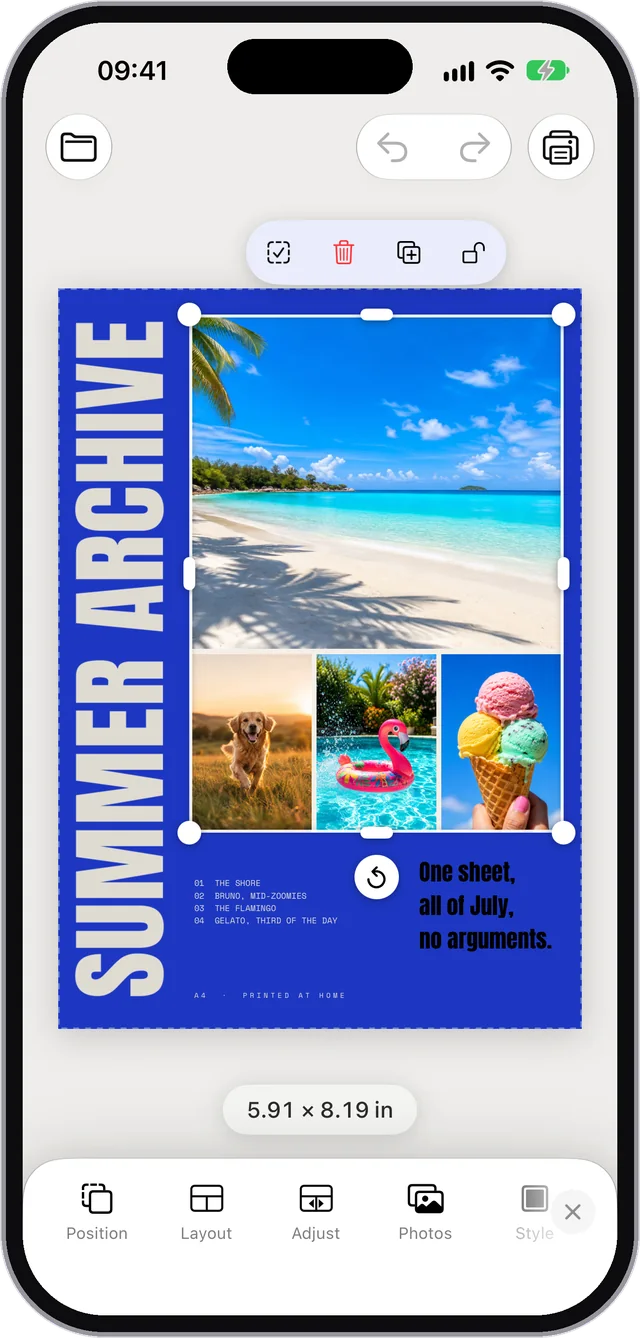
A photo being resized with its exact dimensions shown in inches

10 cm means 10 cm.

Type a size and get exactly that size on paper. The ruler does not get creative.

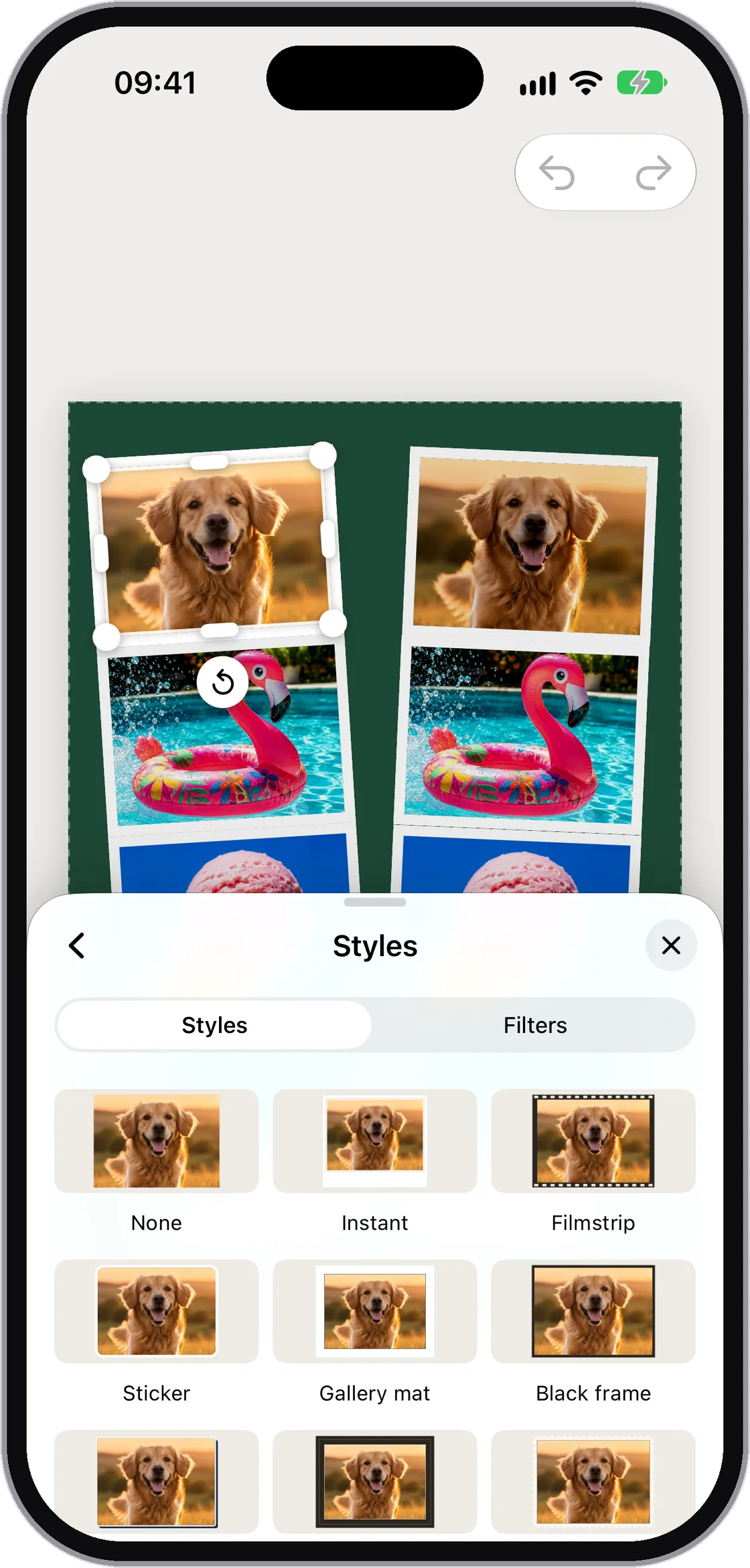
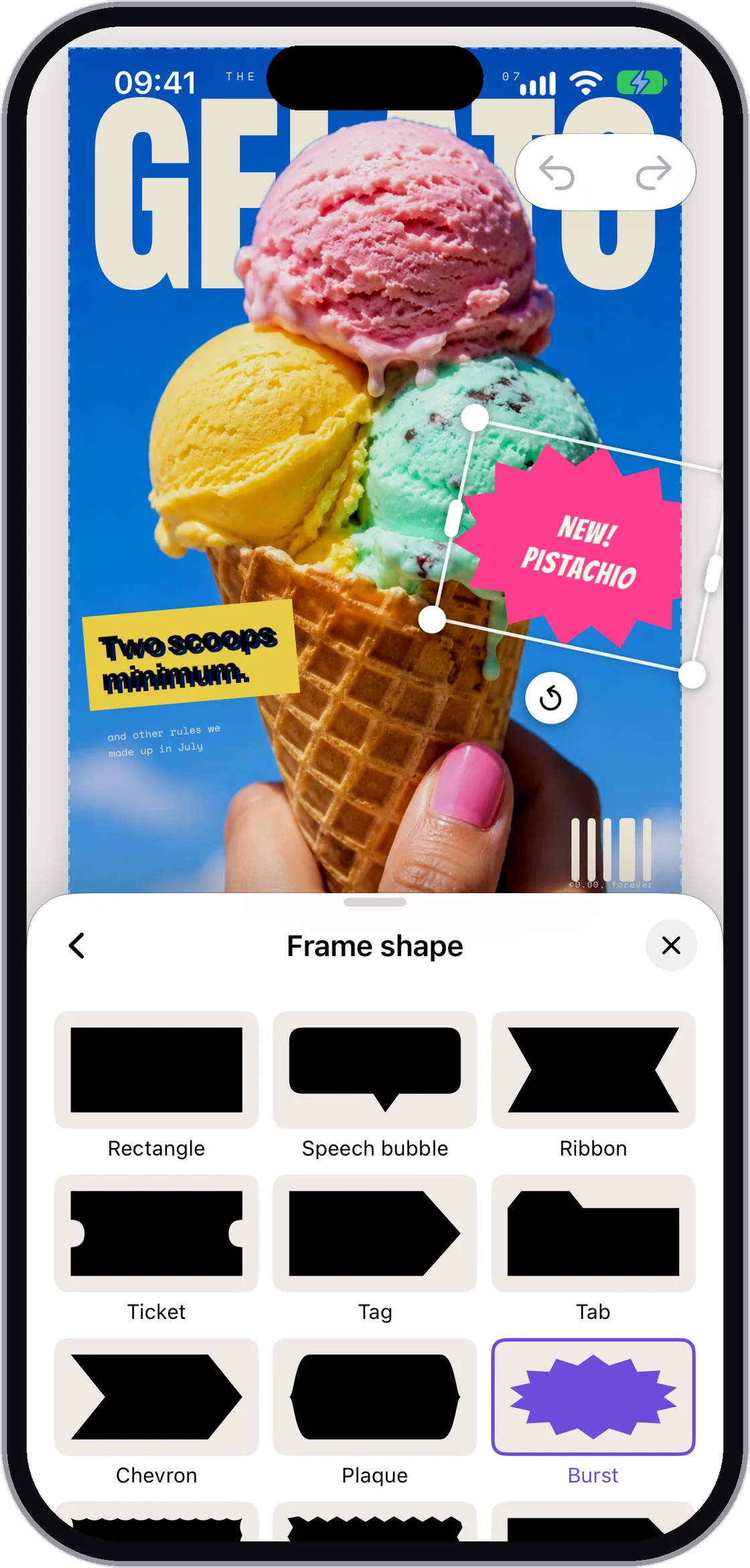
The Style tool with opacity, corners, drop shadow and border controls

A little shadow, if you fancy.

A border, a rounded corner, a shadow. Three minutes later, you still remember what you came here to print.

The Layers list used to reorder, lock and duplicate photos

Order, even when the page gets busy.

Move it up, lock it, copy it. The photo you spent five minutes positioning is not going anywhere now. At least something is staying put today.

The Print tool with printer, paper and export options

Printer or file. Your call.

AirPrint, PDF or a 300 DPI JPEG. Even a printer old enough to remember early Wi-Fi can join in.

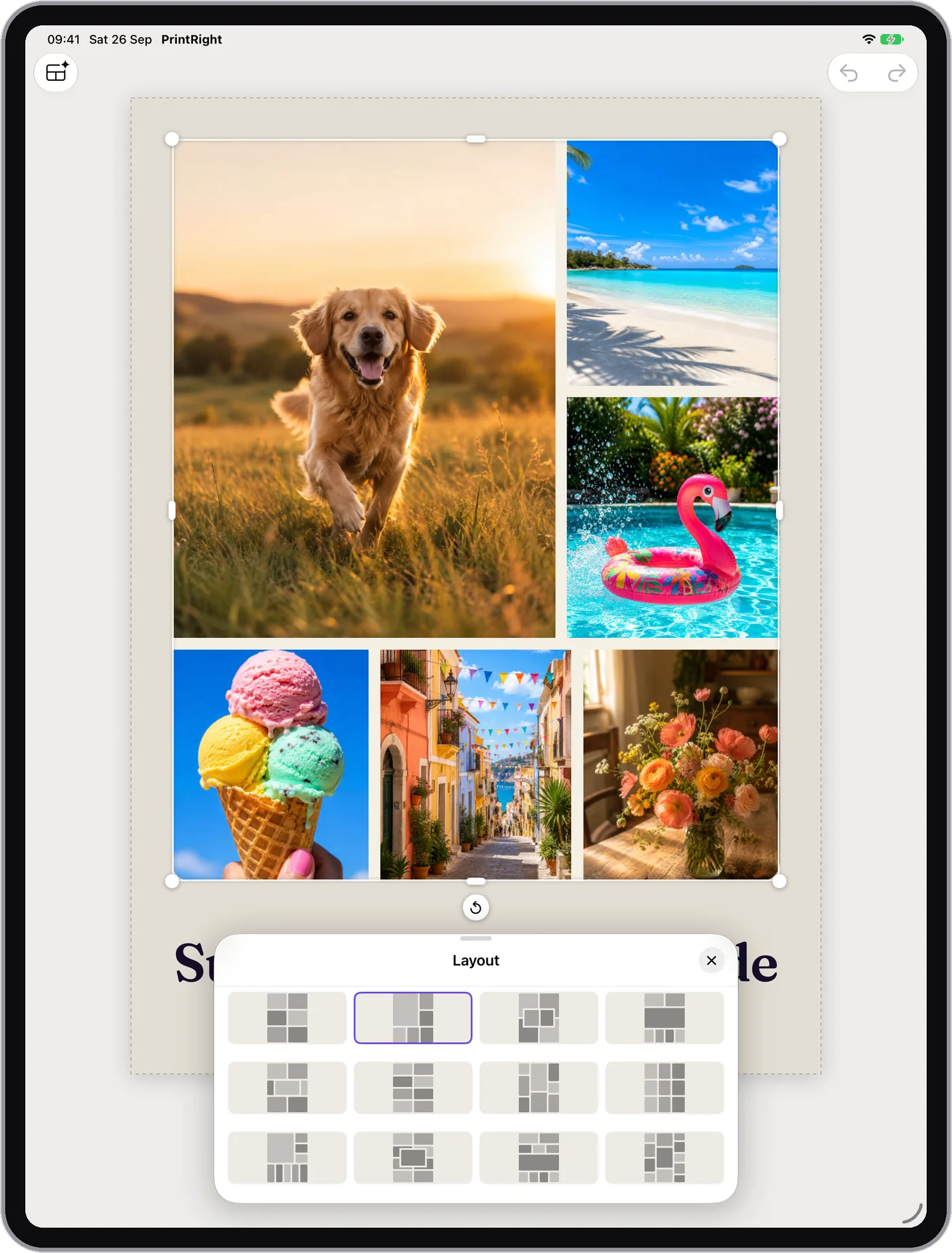
iPad

More room when you have more room.

On iPad, the tools move aside and the page gets the space it deserves. Your fingers do too.

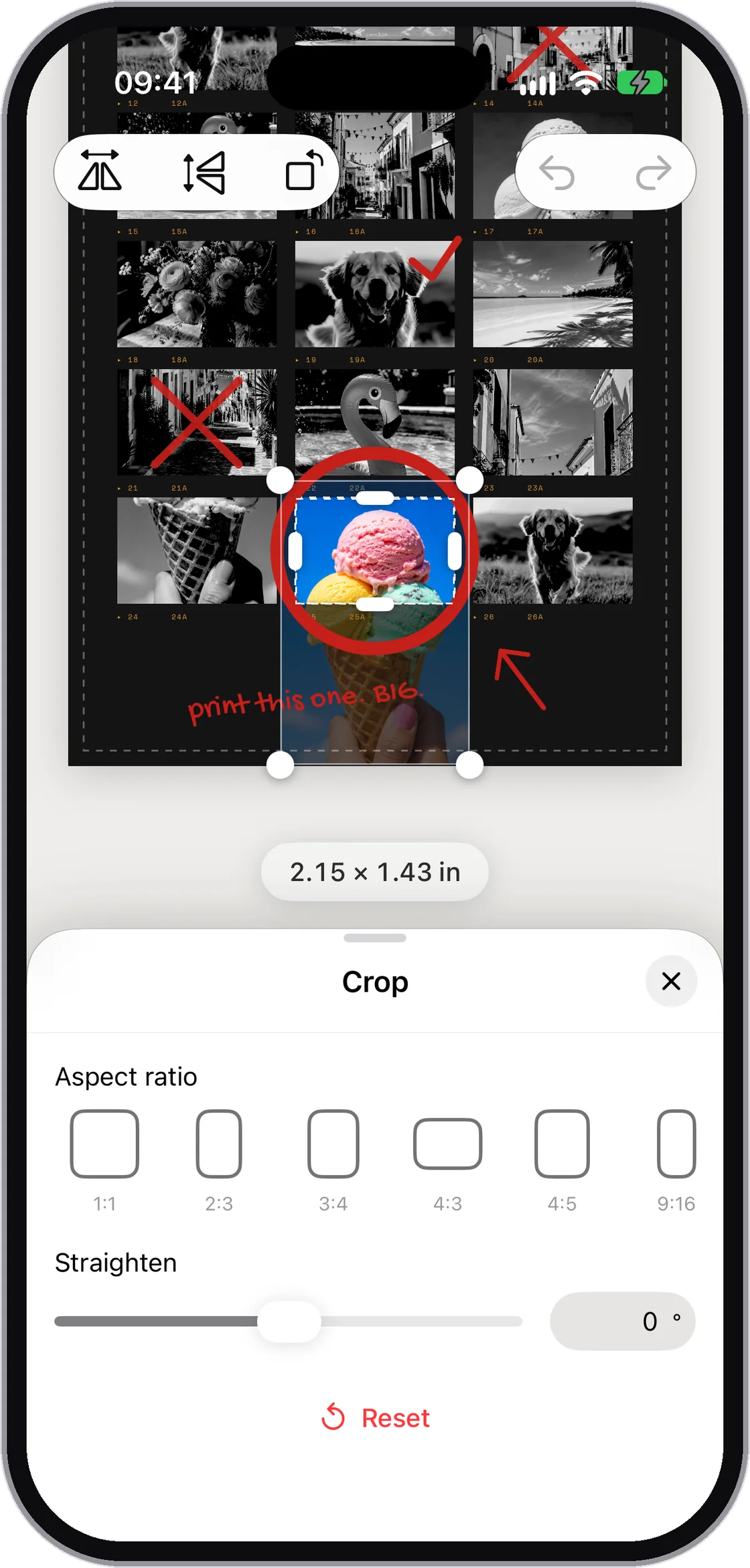
PrintRight on iPad with the Crop panel open beside a page of photos

Straighten it without trimming away the good bit.

Crop in the side panel while the whole page stays in view.

PrintRight on iPad showing snapping guides while a photo is moved

Guides that help, then politely disappear.

Photos snap to margins, the page centre and one another. No ruler balanced on the screen.

Yes, that odd paper too.

A4, Letter, 4×6, portrait, landscape or your own dimensions. Measure it, type it, done. The paper drawer makes sense again.

Free. Just free.

Before you ask the printer.

It probably will not answer, so we put the useful bits here.

Is it really free?

Yes, really. No subscription, In-App Purchases or ads. You do not even need to borrow your cousin's email address.

Do my photos go anywhere?

No. Everything happens on your iPhone or iPad. Your photos visit your printer at most.

Which printers does it work with?

Any AirPrint printer. For an older one, export a PDF or JPEG and print the old-fashioned way. Old-fashioned, but effective.

What paper sizes are supported?

A4, A5, Letter, Legal, common photo sizes and any custom dimensions. Yes, including the paper you found at the back of a drawer.

Does it run on iPad?

Yes. On iPhone and iPad, in portrait and landscape, from iOS 17. Photos simply get more elbow room on iPad.

Right then. What are we printing?

Holidays, the dog or that sunset that is definitely different from the others. Put the photos on a page and call it done.

Soon on theApp Store